Decod Bricks
16 chars
█▓▒░ꔪ𖦪ꛈꛕ𖤰ꕷ░▒▓█28 chars
█▓▒░⡷🇧 🇷 🇮 🇨 🇰 🇸 ⢾░▒▓█24 chars
≿≺✦≻≾ 🅱🆁🅸🅲🅺🆂 ≿≺✦≻≾24 chars
▀▄▀▄▀▄🄱🅁🄸🄲🄺🅂▀▄▀▄▀▄
█▓▒░[[t]]░▒▓█≿≺✦≻≾ [[t]] ≿≺✦≻≾█▓▒░⡷[[t]]⢾░▒▓█▀▄▀▄▀▄[[t]]▀▄▀▄▀▄█⃞▓⃞▒⃞[[t]]▒⃞▓⃞█⃞

16 chars
28 chars
24 chars
24 chars
Bricks Block Fancy Text is a unique fancy text style that focuses on brick and block-style decorations. As the name suggests, this tool transforms your normal text into decorative brick-style fancy text by adding block symbols from the start to the end of your text, giving it a bold, creative, and eye-catching look.
Along with changing your normal text into fancy text, this style gives your words a strong, structured, and cool appearance. It is perfect for users who want something different from simple fonts and prefer artistic and powerful text designs.
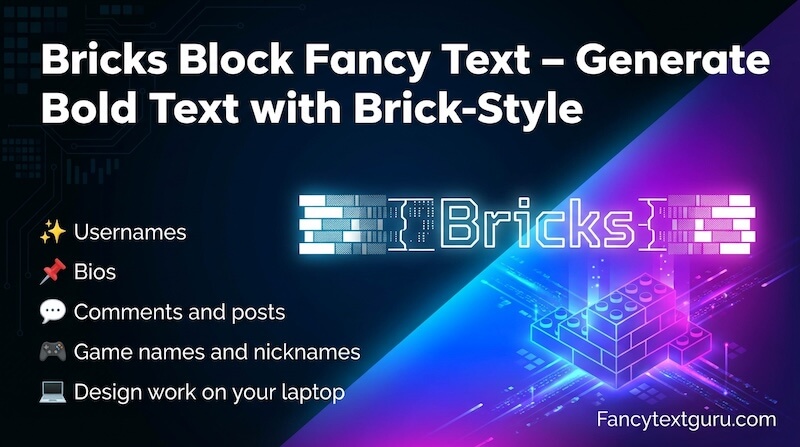
By default, It shows four decorative brick text styles. These are well selected, So, you can easily use them for your normal text.
If you want more options, click on the “Load More Bricks Names” button:
There is a built-in function Font Size control that lets you adjust how the fancy text appears on your screen.
This feature helps you to see brick-style fancy text in bigger and smaller sizes. So, you can choose the fancy text that looks best before copying.
On the right-side corner of the Bricks Block Fancy Text, you will see three helpful buttons that makes your life simpler by providing built-in features.
The first button is the orange bulb icon. Clicking it shows a list of ready-made gaming names that you can use for games like PUBG, Call of Duty, Free Fire, and more.
The second button is the Reload button. Clicking it refreshes the fancy text styles shown on the screen.
The third button is the Back to Top option. Clicking it takes you directly to the top of the page, which is useful after scrolling down.